
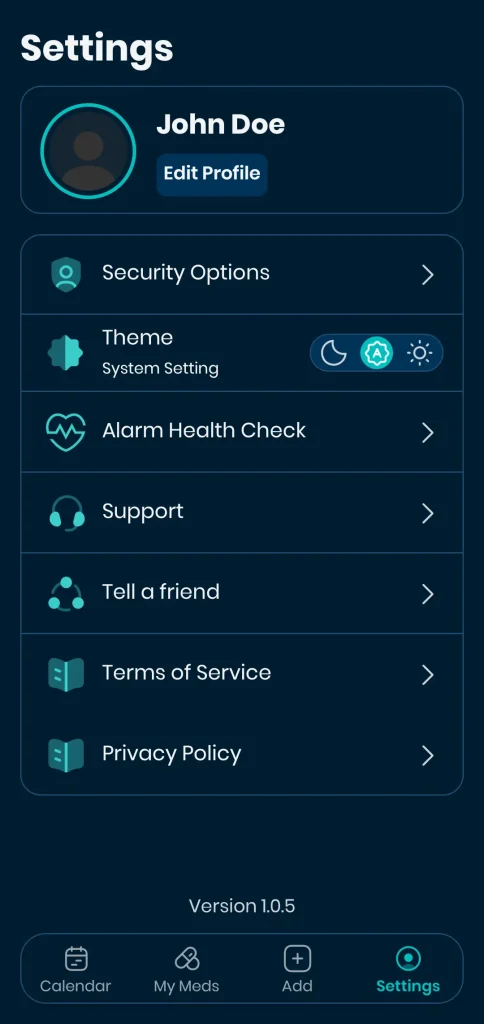
The Settings tab includes general settings and information about the application.
Please note that the details may vary depending on the version of the application you are using.
Edit Profile
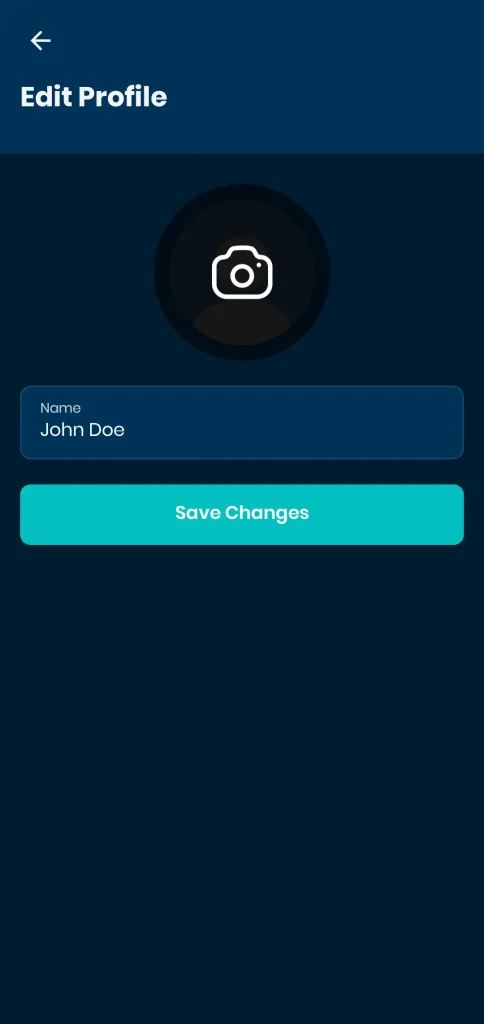
You can change your avatar and your name in the Edit Profile section.
Security Options
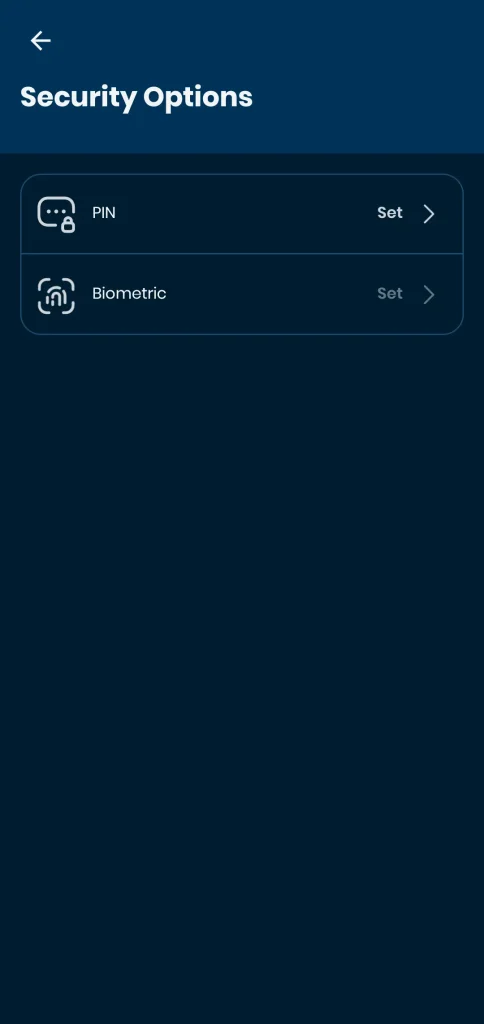
To protect your medical records from unauthorized access, you can set a PIN Code and Biometric Credentials. Please note, to set Biometric Credentials, you must first set a PIN Code.
Theme
You can select application’s theme from these three options:
- Dark Mode
- System Setting (follows your device’s theme)
- Light Mode
Alarm Health Check
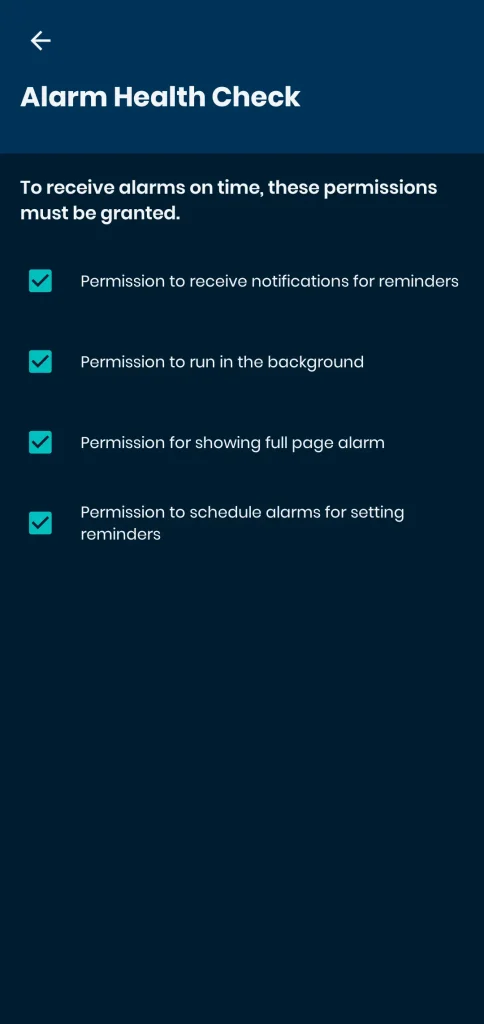
After setting up your first medication, the application will prompt you for the necessary permissions. You can view the list of permissions and their status. Tapping on any unchecked permissions will redirect you to the related settings on your Android device.
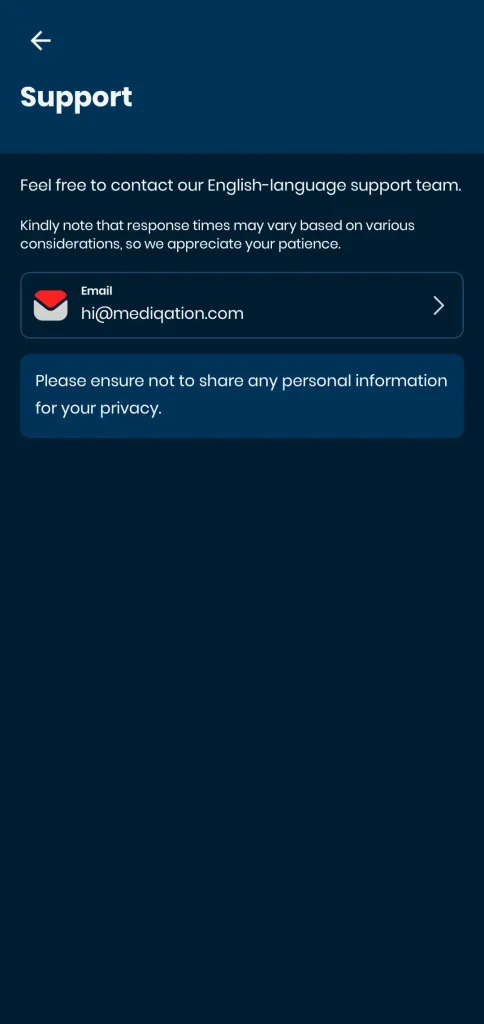
Support
In this page, you can find the support channels for contacting the Mediqation team.
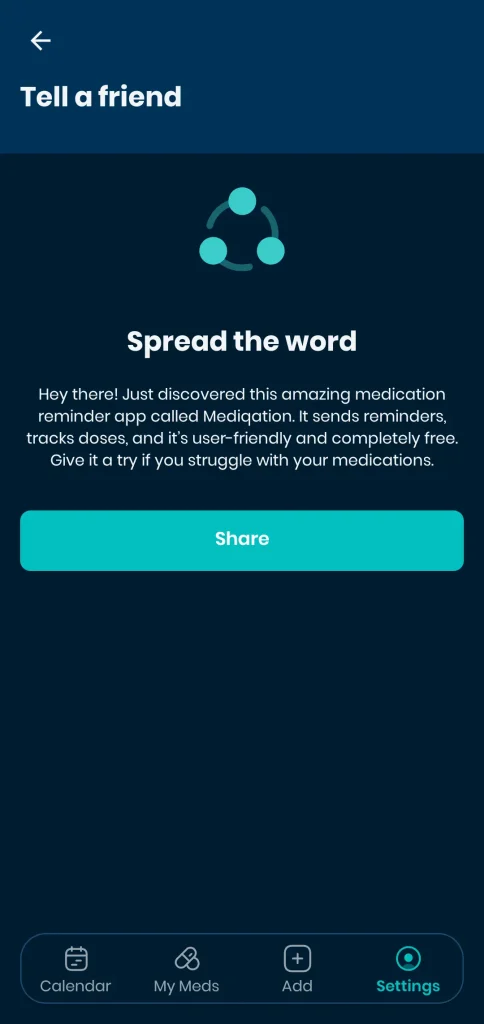
Tell a Friend
You can introduce Mediqation to a friend who could benefit from it.
Terms of Service
On this page, you can read the latest version of our Terms of Service.
Privacy Policy
We respect your privacy. On this page, you can learn more about our latest practices in safeguarding your privacy.